
 Dominik
 When I am scouting for products to test and upcoming dropshipping brands, I turn to AfterLib. Its page library is highly effective. I have used it since 2022.
500K+ new ads added daily. Verified reach, smart filters, growth signals. Real data. No hype.
 Dominik
 When I am scouting for products to test and upcoming dropshipping brands, I turn to AfterLib. Its page library is highly effective. I have used it since 2022.
 Marcus
 Other tools show me the same ads everyone already saw. AfterLib surfaces what is actually scaling before it is obvious, and that lead time is the whole edge.
Dropshippers, DTC brands and online store owners
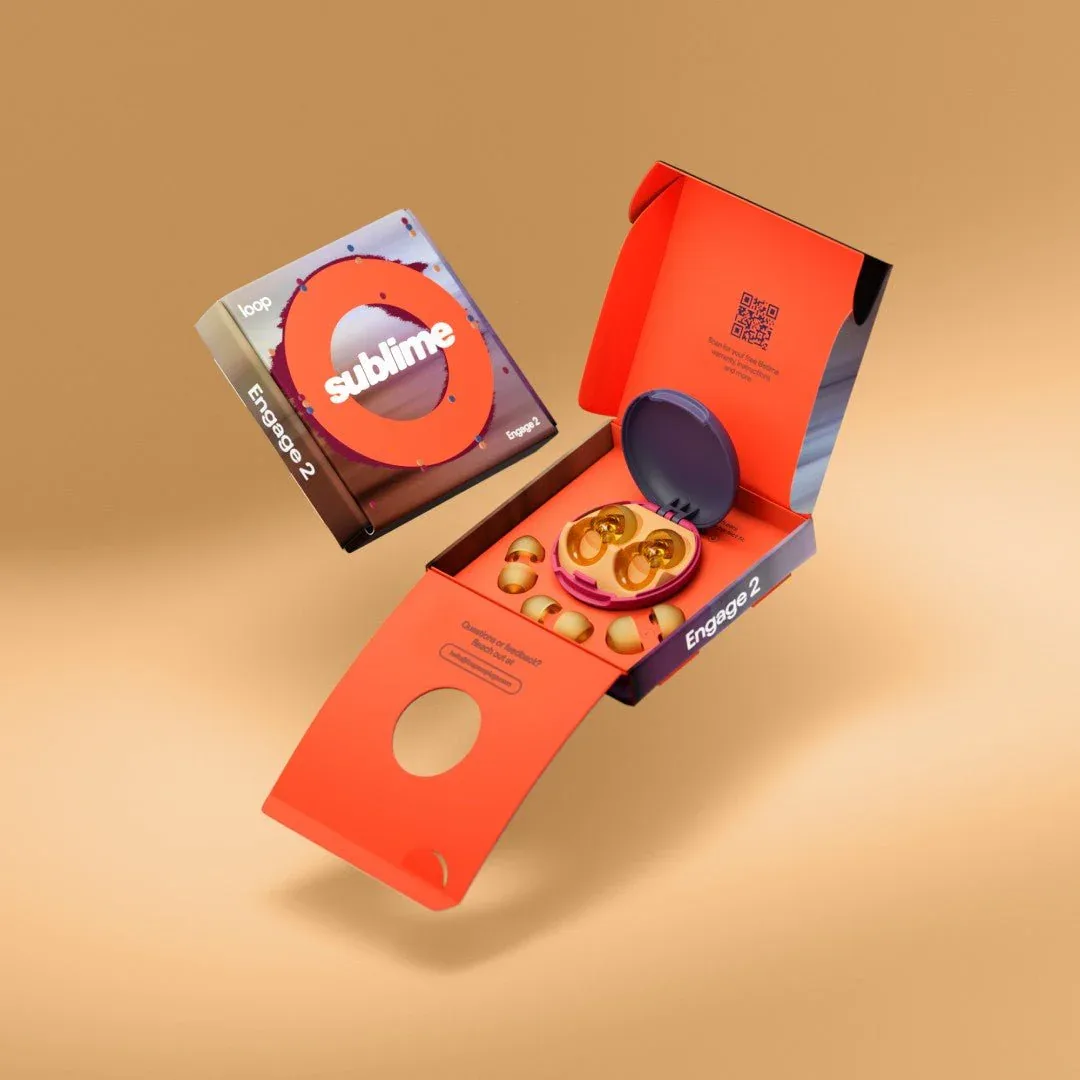
 Loop earplugs
 AfterLib shows which products and offers gain early traction, so you know exactly what to test or add before the crowd catches on.
Media buyers, affiliates and growth teams
 Puma Page launched new creatives
 Get real signals on ads and offers that start working across any industry. No guessing and no noise, just ideas you can launch.
Creative teams, research teams and agency owners
See which creatives, angles, and offers brands scale, then pitch concepts with evidence instead of opinions.
Understand your market at every layer.
Filter ads by product categories and customer pain points to find what actually converts.
Find hidden winners others miss.
Stack advanced filters across growth, ad age, spend bands, niche, and language to isolate the exact ads worth your time.
Know how big a campaign really is.
Verified reach and estimated spend bands help you size a competitor before you ever test against them.
One number to rank every ad.
A performance score blends reach growth, longevity, and momentum so the strongest ads rise to the top automatically.

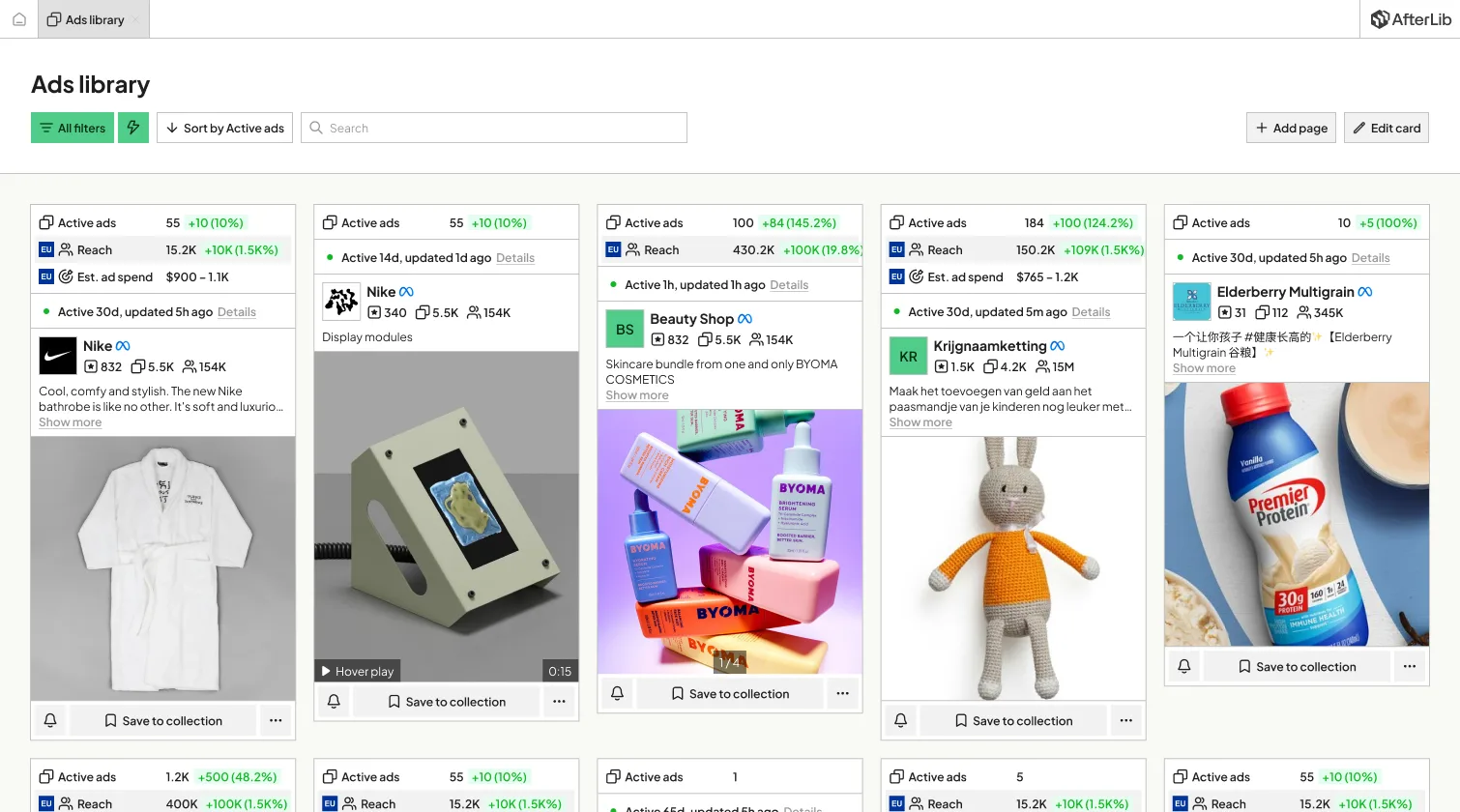
See total page reach, creatives, and performance signals to instantly understand what's working.

Import any page and track every creative, launch, and growth signal across ecommerce, lead gen, affiliate, and more.

Active ads for Nike.com grew by 50
3 more notificationsGet alerts when ads scale, pages launch, or new winners appear. Stay ahead without manual checks.

Bulk analyze, organize competitors, and keep ads in structured collections your team can reuse.

If you just want to scroll through the same ads everyone else sees and call it inspiration, any of them will do. Many are even cheaper.
Eventually, you might stumble upon a winner by luck.
If you value your time and care about finding what others cannot while knowing the data behind it is real, you need AfterLib.
The most complete ad dataset on the market. Built for marketers who cannot afford to guess.
Version 3 was rebuilt from scratch: faster data, more depth, new features, a cleaner interface, and an onboarding flow that shows you what to do.
We started with dropshipping stores in 2018, scaled to 8 figures, and by 2022 most spy tools had become unreliable and full of noise.
Everyone saw the same ads, with no real competitive edge.
A tool that meets our own standards for accuracy, speed, and depth. And we keep improving it daily.

What started in-house is now the standard for serious marketers worldwide and the inspiration behind every other tool since 2022.
Really great tool. I have been using it for 2 months and discovered amazing products thanks to it. The value is far above the price.
Switched my whole research workflow to AfterLib. The reach growth signal alone has paid for itself many times over.
I track dozens of competitors across three niches. On-demand page tracking means I never miss a launch.
The v3 onboarding is clean, and the product makes it obvious where to start when you sit down to research.
The growth signals showed me products gaining traction before they blew up. We launched two and both became bestsellers.
We pitch with AfterLib data in client decks now. Real reach and spend numbers win approvals faster than opinions.
AfterLib replaces multiple tools and saves weeks of research, all for less than you would spend testing one ad.
If you're not sure and you want to give us a try
Get started with essential tools
The ultimate advertising solution
For those who want everything


Everything you need to know about AfterLib and ad intelligence.
Have a question? We're here for you!
Our support team is ready to assist you